Wearables & Digital Accessories
KeyLite Wireless Keyboard
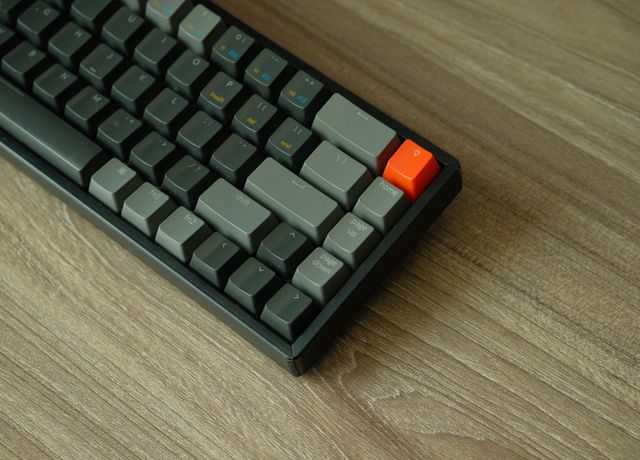
Six weeks of testing3 DEVICES · LOW PROFILE · USB-C
01How it works
Scissor switches under low keycaps give a short, even press, which is why the keyboard is quiet enough for a shared room.
Three pairing keys hold a connection each, so switching from a laptop to a tablet is one press instead of a settings menu.
02What we tested
- Five weeks of eight-hour typing days.
- Pairing across a laptop, tablet, and phone.
- Battery drain over a month.
- Key noise compared with a laptop deck.
03What we liked — and what we didn’t
Pros
+Quiet keys
+Three-device pairing
+Long battery
+Familiar layout
Cons
−No backlight
−Short key travel
−Plastic body
−No angle adjustment
04Buying advice
Add a wrist rest if you type all day. The low profile is comfortable for an hour and less so by hour six without support. If you share a desk, label the three pairing keys so a quick switch stays quick.
Bought at retail price. We may earn a commission from links on this site; commissions never change a score. Read the disclosure.